Two Systems, Two Philosophies
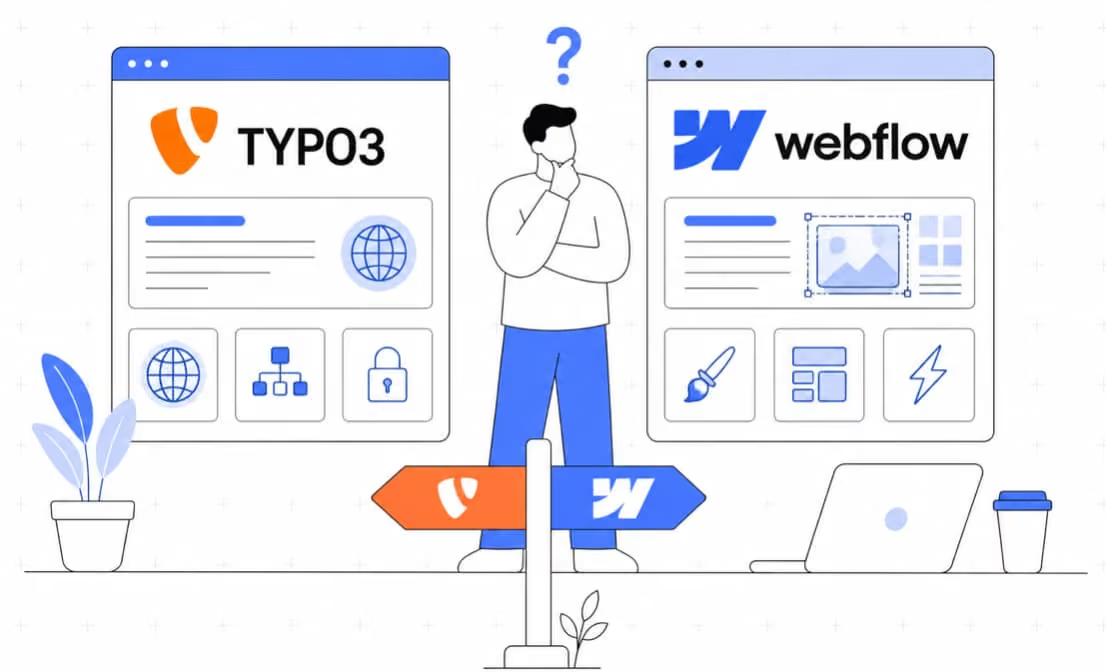
Two systems that are increasingly being considered side by side in CMS decisions could hardly be more different from a technical standpoint: TYPO3 and Webflow. Both enable the creation of professional websites, but they do so in fundamentally different ways, each with its own strengths, limitations, and target audiences.
Anyone who wants to seriously compare the two systems should therefore not ask, “Which CMS is better?” but rather, “Which system is the best fit for my project, my team, and my requirements?”
What is TYPO3?
TYPO3 is an open-source enterprise CMS for large, multilingual, and long-term web projects. It is supported by a global community and more than 1,000 members of the TYPO3 Association, and covers a wide range of applications, from lean corporate websites to complex platforms with thousands of content pages.
Technically, TYPO3 is based on PHP, is completely open source, and can be extended in virtually any way through a comprehensive extension system. TYPO3 is particularly strong in scenarios where multiple websites, brands, or languages need to be managed centrally through a single installation and where companies require full control over code, data, and infrastructure.
Strengths:
- Native multilingual support and multisite functionality built into the core
- Granular Role and Permission System for Complex Editorial Structures
- Full control over data and hosting on our own infrastructure
- Long-term support (LTS) versions for predictable maintenance
- Extensive integration capabilities via extensions and interfaces
- Robust GDPR Compliance and Security Architecture
Borders:
- A Steep Learning Curve for Developers Without TYPO3 Experience
- Greater initial effort required for design and development
- Visual editing is less intuitive than with no-code systems
What is Webflow?
Webflow is a visual website builder and cloud-based CMS all in one. Designers build websites directly in the browser; they don't have to write a single line of code, and clean HTML and CSS output is generated automatically. Hosting is handled through Webflow's own infrastructure.
What makes Webflow special: It bridges the gap between design tools and CMS. Agencies and in-house teams can build sites visually, define content structures, and then hand off a clean interface to content editors for content maintenance—without needing developers for every change.
Strengths:
- Very fast transition from design to live website
- No hosting setup required; runs entirely in the cloud
- Intuitive visual editing directly in the front end
- Well-suited for marketing teams with little technical background
- Clean code output without additional development
Borders:
- Proprietary platform: no access to the source code, no self-hosting
- Multilingualism and multisite functionality are only available to a limited extent and can be implemented through third-party providers
- Scalability is limited when requirements are highly complex
- Ongoing subscription fees, no one-time license fee
- Deep system integrations (ERP, CRM, PIM) can only be implemented with considerable effort
Technical Differences in Everyday Life
In day-to-day project work, the differences are particularly evident in three areas:
Architecture and Control. TYPO3 runs on your own infrastructure; you own the source code, and your data remains under your control. Webflow is a SaaS product: hosting, updates, and infrastructure are handled by the provider. This saves you effort, but it also means you’re dependent on Webflow’s pricing and product decisions.
Editorial and Design. Webflow is built for visual work. Designers can quickly produce results, and editors can edit content directly in the front end. TYPO3 has a more rigid technical structure, but it offers greater long-term stability when many editors are working with complex content structures.
Costs. TYPO3 is free as software; the actual costs come from hosting, development, and maintenance. Webflow operates on a monthly subscription model, and costs can quickly add up to significant amounts depending on traffic and the range of features. For larger projects, it’s worth conducting a detailed cost comparison over a three- to five-year period.
Who is each option best suited for?
TYPO3 is worth it if
- you want to centrally manage multiple websites, brands, or languages
- your project grows over the long term and requires integration with ERP or CRM systems
- Data sovereignty and full control over hosting and code are important
- you have a development team or a specialized agency working with you
Webflow is worth it if
- Focus on Design and Time to Launch
- your team should be able to manage content on their own without any technical knowledge
- the project remains manageable and does not require a complex system architecture
- you do not want your own hosting setup
A real-world example
An international mid-sized company with ten country-specific sites, multiple languages, and an integration with its CRM is in good hands with TYPO3. Centralized management through a single installation and native multilingual support save a tremendous amount of effort in the long run, especially when marketing and IT need to work closely together.
An agency that wants to quickly launch a new campaign page or a fresh corporate website for a client can often get the job done faster with Webflow. Visual editing, no hosting hassles, and it goes live right away.
Conclusion: No system is inherently better
TYPO3 and Webflow serve different purposes, and that’s a good thing. If you’re managing a growing, multilingual, or technically complex website ecosystem and want to maintain full control over your data and infrastructure, TYPO3 is the better long-term choice. If you want to go live quickly without your own hosting setup and prefer a visual workflow, Webflow is a powerful tool for manageable projects.
Ultimately, the decision does not depend on the system, but on the requirements behind it.
Are you planning a new web project and wondering which system best fits your needs? For TYPO3 projects, the certified TYPO3 agency Friendventure will guide you from the initial assessment through to technical implementation. If Webflow is the better choice for your project, we at Halbstark —as a leading Webflow agency with comprehensive CMS expertise—will support Halbstark with concept development, design, and implementation.